What's New
New things, improvements, fixes, and the occasional side quest.
Version 2.1
April 2026
A back-up-date. Your entries are safer, and the app should feel a little more solid.
- Improved manual export and import so its faster and more reliable.
- A new reminder service for Android helps you remember to export your data. Set it to daily, weekly, or monthly -- whichever suits how you work. (Added because Android's native backup has a size limit that could catch people out.)
- iCloud backup on iOS runs more smoothly thanks to some under-the-hood optimisations.
- History now shows date numbers on every month card, so you can find a specific day without doing mental arithmetic.
- Dragging entries now feels more real. They follow your finger in all directions instead of just sliding up and down.
- Custom app icons (iOS only for now). Your app icon now changes to match your selected colour theme.
- Pull to add (iOS) is now direction-aware. Pull down from the top to add at the top, pull up from the bottom to add at the bottom.
Version 2.0
April 2026
A grown-up-date. On iOS, every time the app came back from the background it was triggering an iCloud sync that got increasingly inefficient as your entries grew. On large libraries it could use up all the memory the app was allowed. That's fixed now, properly.
- Widgets on Android! One tap to add something you did.
- The app stays fast however many entries and photos you have.
- On iOS, iCloud sync is smarter, faster, and no longer happens all at once. If you have lots of photo entries, you should notice a big difference.
- Smoother experience when changing colour or date on an entry.
- Better progress and feedback during syncs, exports and imports.
Version 1.9
April 2026
A speed-up-date, quick on the heels of 1.8. What started as a small fix ended up becoming a larger performance overhaul. The app should feel noticeably faster throughout.
- Adding photos from the menu is now significantly faster.
- Photos appear instantly. No more waiting for the image to show up.
- Smoother scrolling and navigation throughout the app
- Improved performance for accounts with lots of entries and photos
- Search results load faster, especially with larger histories
Version 1.8
April 2026
A tidy-up-date, mostly behind the scenes and in Settings.
- You can now change the date on a photo entry.
- New entries avoid repeating the colour you just used. Subtle, but satisfying.
- Fixed an issue where adding a caption to a photo could affect the shareable image. Captions are great, shareables should be too.
- Tidied Settings. Nothing dramatic, just things that were bothering me.
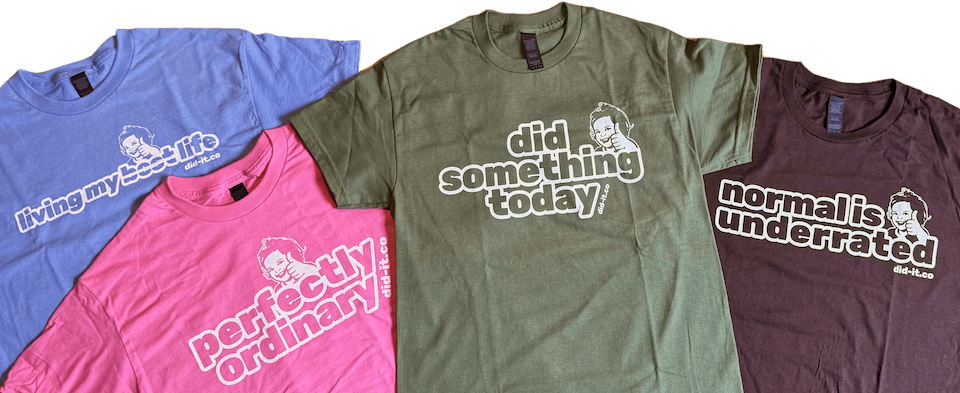
- Merch samples arrived, so Settings now has a photo of the actual shirts. They look great.
Version 1.7
April 2026
Based on your fantastic feedback, here's what's new:
- Your device knows which day the week starts on. Now the months in History do too.
- There's more control over notifications, what's better than one toggle? Three of course.
- Photo captions. No more needing to add a photo and then add a text entry.
- Better handling of very long entries, and better support for larger accessibility font sizes. Did It should always feel comfortable whatever your settings.
- Keyword icon matching has been quietly getting smarter. It now handles multiple languages at the same time, which matters more than it might sound if your entries mix languages.
- The app icon now supports dark mode, and tinted and clear display settings. It looks right at home whatever your Home Screen is doing.
- The widget has had a proper makeover too, looking great in tinted and clear modes. If you haven't placed a Did It widget yet, now's a good time.
Version 1.6 (and 1.5)
March 2026
- When you add an entry with a different date, Did It now takes you straight there. Feels obvious in hindsight.
- Shareable images can now show more than double the entries (up to 39 single-line text entries, up from 15). There's a maximum image height to contend with, but I've squeezed in as many entries as I can for you. Not sure what a Shareable is? Tap the share button on a day and then 'Create shareable image'
- A few things you probably won't notice but will hopefully feel: faster launch times (especially on older devices), more reliable backup imports, and better icon keyword matching across all supported languages.
- Also fixed an issue where some photos were showing up rotated. A small thing, but an annoying one.
- And if you're curious, there's now a total entry count in Settings > Backup.
Version 1.4
March 2026
Did It is now available in 13 languages: Bosnian, Dutch, English, Estonian, French, German, Italian, Japanese, Korean, Portuguese (Brazil), Spanish, and Turkish. Also fixed an issue that could stop the shareable image from being generated.

Version 1.3
March 2026
A modest update with more icons and improved word matching. Also fixes an issue that could sometimes prevent images being added, along with a few small messaging improvements.
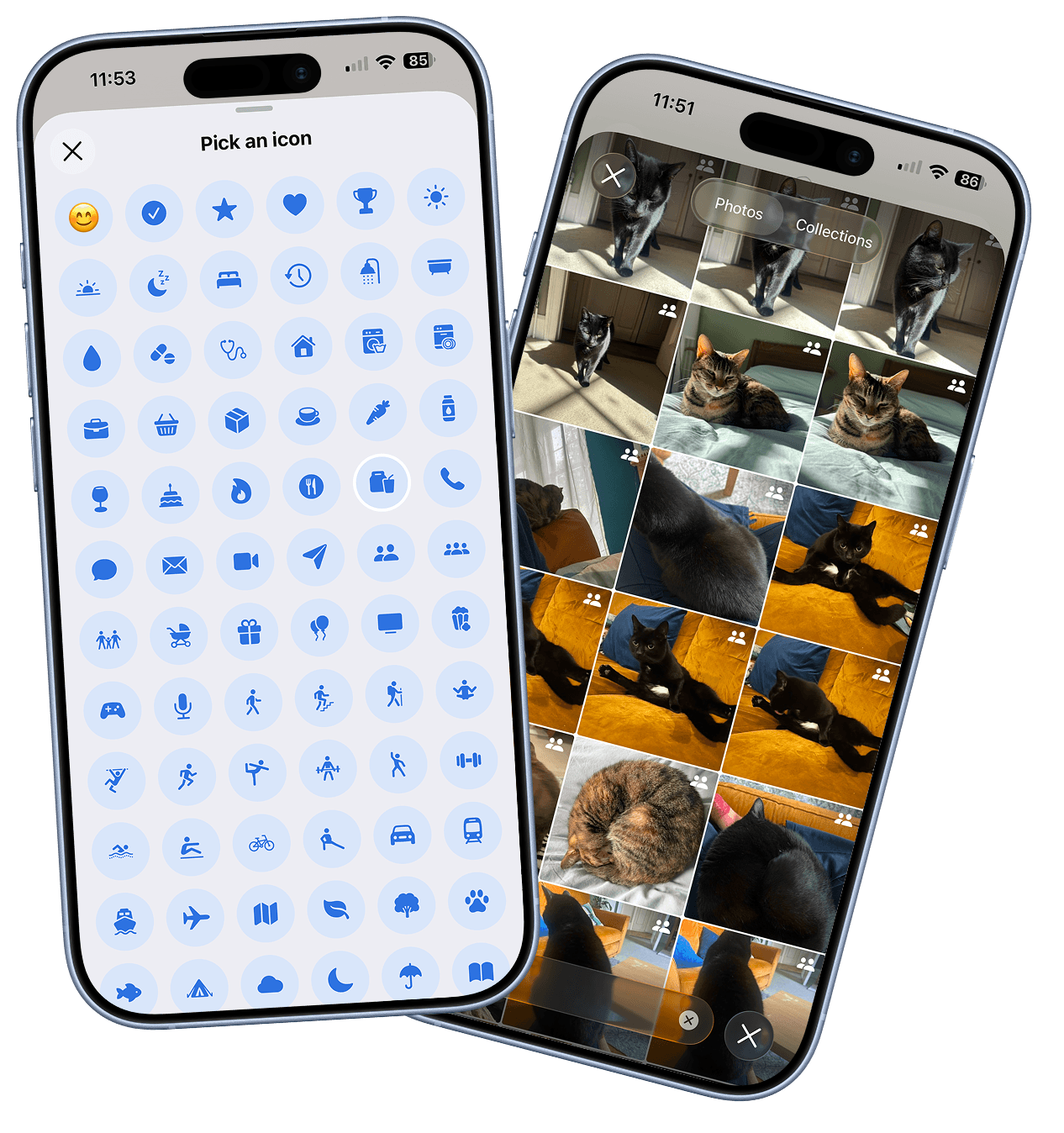
Version 1.2
March 2026
Create a shareable of your day with the option to hide certain entries. New colours. Added a tip jar. Lots of bug fixes.
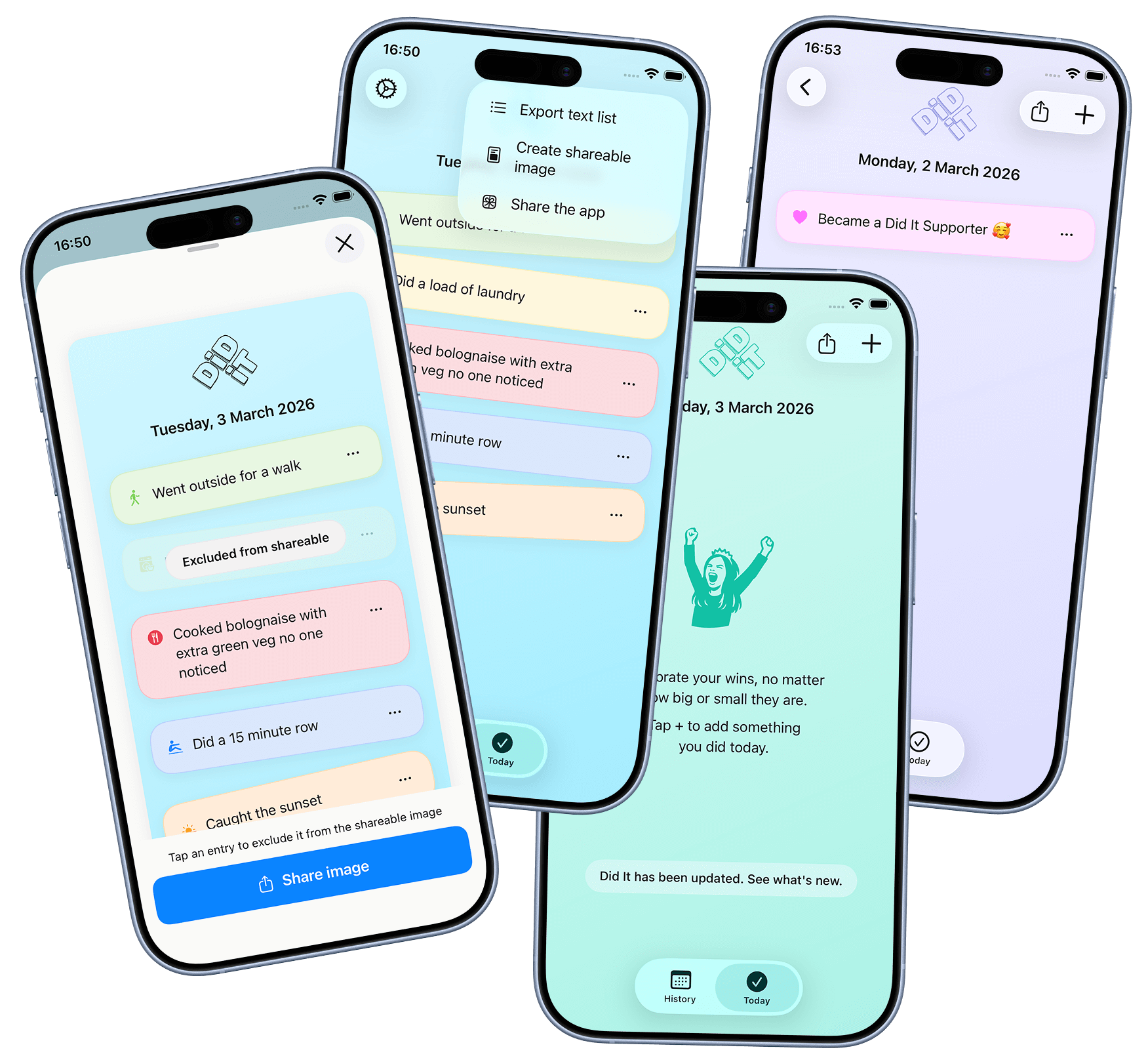
Version 1.1
February 2026
Home screen widgets, iCloud backup, share support (photos and screenshots straight into Did It), change new entry order.
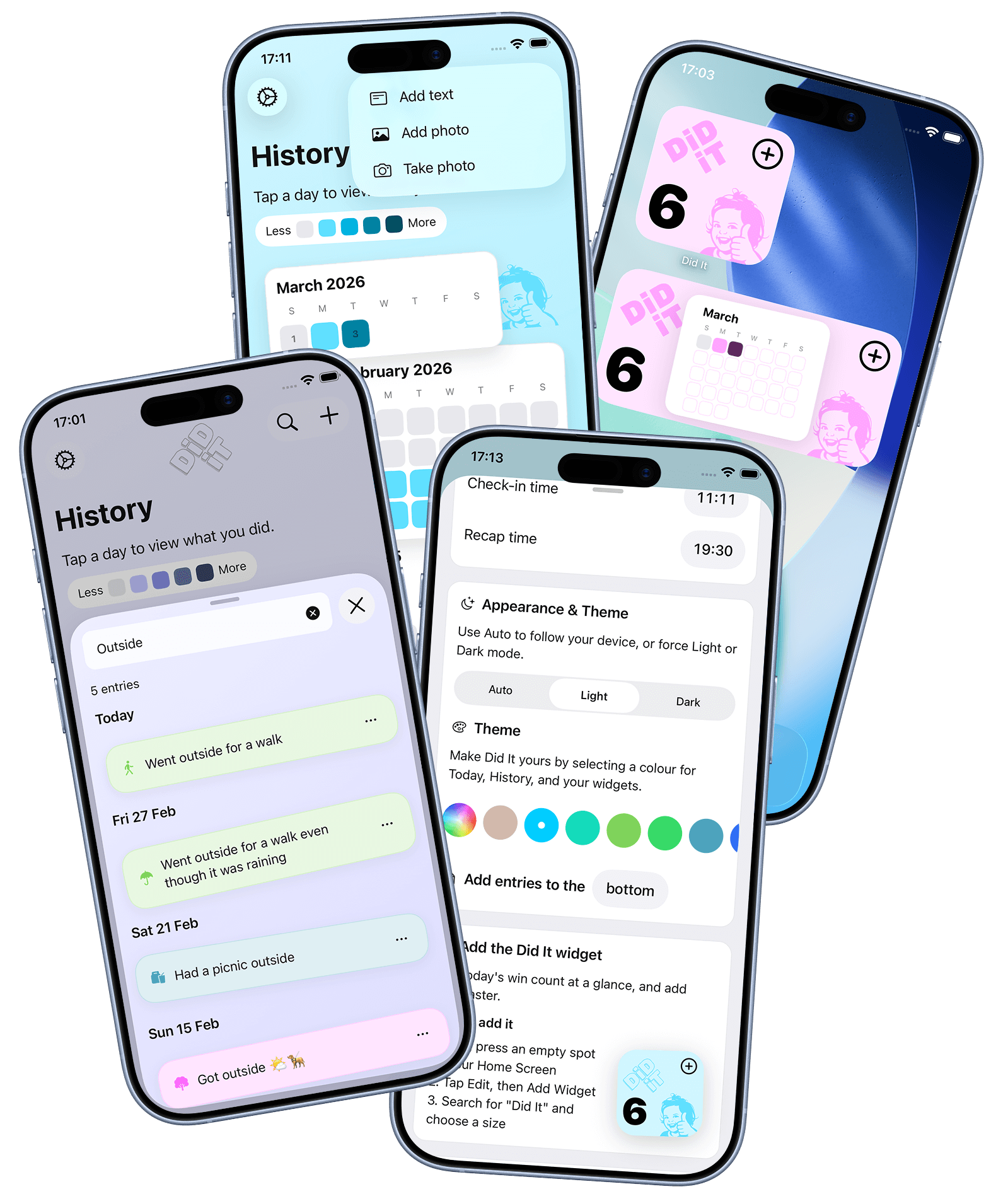
Version 1.0
February 2026
Add text entries throughout the day, add or take photos, look back using the calendar.